Pomodoro + Eisenhower + Time Blocking: Less Stress, More Done
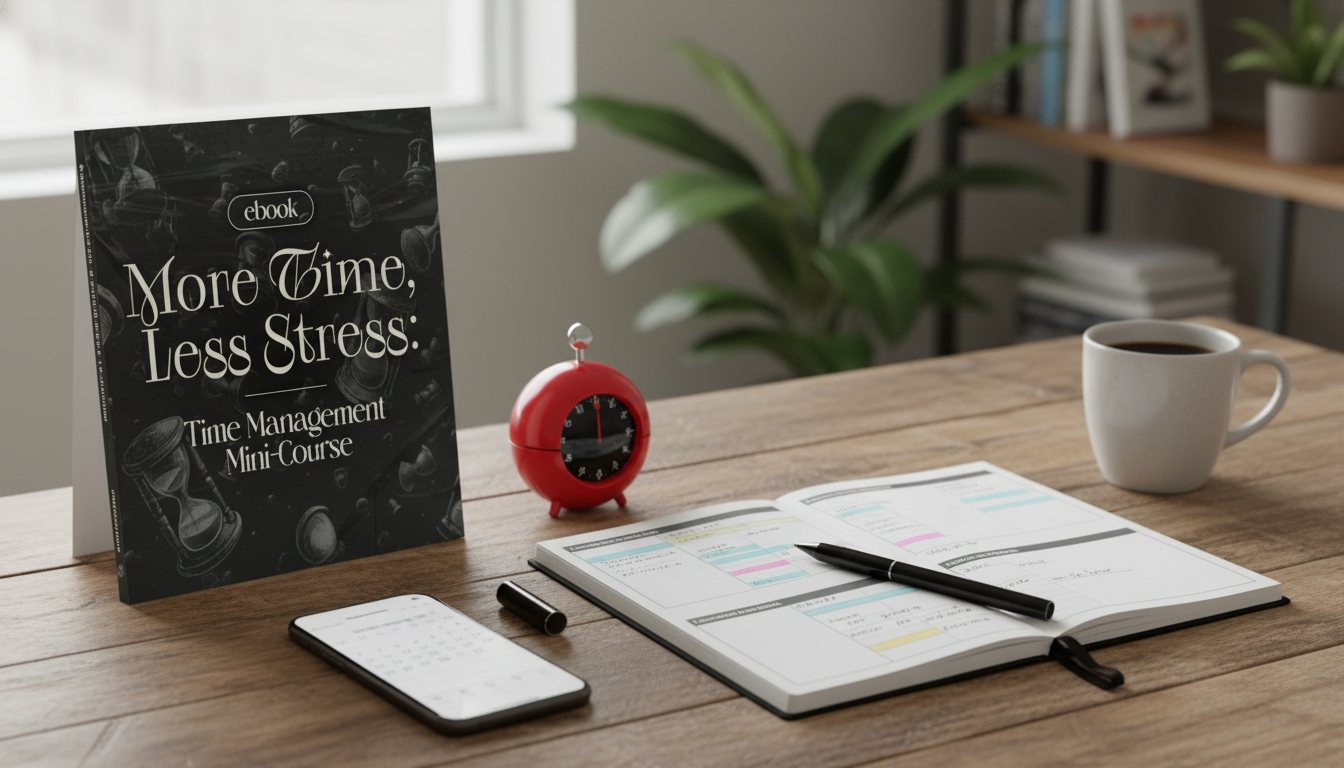
More Time, Less Stress: A Practical Mini-Course for Pomodoro, Priorities, and Time Blocking
Busy days can look packed on paper yet still feel strangely unproductive: tasks accumulate, urgency crowds out progress, and focus gets chopped into tiny pieces. A small set of proven methods—Pomodoro focus intervals, Eisenhower Matrix prioritization, and time blocking—can work together as a lightweight routine you can repeat weekly without rebuilding your entire life system.
Who This Mini-Course Fits Best
- People with demanding schedules who need a simple structure rather than another complicated planner setup
- Professionals juggling meetings, deep work, admin tasks, and personal responsibilities
- Students and creators who struggle with distractions, inconsistent focus, or last-minute rushes
- Anyone who wants a repeatable weekly rhythm that reduces decision fatigue
What’s Inside: Tools That Work Together
Each method solves a different failure point—starting, choosing, and protecting time—so the system holds up even when motivation is low.
- Pomodoro-style focus intervals to build momentum and make large tasks approachable
- Eisenhower Matrix thinking to separate urgent noise from important progress
- Time blocking to reserve real calendar space for deep work, shallow work, and recovery
- Simple routines that connect daily plans to weekly goals so the system doesn’t reset every morning
- A mini-course approach designed for quick implementation: learn, apply, adjust, repeat
If you want a guided, ready-to-use version of this workflow, start with More Time, Less Stress: Time Management Mini-Course – Productivity Ebook with Pomodoro, Eisenhower Matrix & Time Blocking Strategies. It’s built to help you set a baseline schedule quickly, then tighten it with small daily check-ins.
Start Here: Build a Baseline Week Before Optimizing
Most “time management” problems are really capacity problems: the week is already full, but the plan assumes extra hours that don’t exist. Build a baseline first, then improve it.
- List recurring commitments (work hours, classes, caregiving, commute, workouts) to see the real capacity of the week
- Identify 2–3 non-negotiable outcomes for the week; everything else supports these outcomes
- Create a default daily structure: a focus block, a communication/admin block, and a reset block
- Use a short planning window (10–15 minutes) so planning doesn’t become procrastination
- Track only two signals at first: what got finished and what caused interruptions
One practical rule: if you can’t point to where something lives on the calendar, it’s not a plan—it’s a wish. Baseline blocking reveals where you’re overcommitted and where you can reclaim time with fewer meetings, tighter batching, or clearer “not today” decisions.
How the Methods Compare (and When to Use Each)
Use these tools like a stack: pick priorities (Matrix), protect time (blocking), then execute with fewer false starts (Pomodoro). For background reading, see the Pomodoro Technique overview, an Eisenhower Matrix explainer, and Cal Newport’s classic note on time-block planning.
| Method | Best for | How to start in 5 minutes | Common mistake to avoid |
|---|---|---|---|
| Pomodoro focus intervals | Starting, sustaining attention, breaking down intimidating tasks | Set a timer for 25 minutes and define one small deliverable | Overplanning the perfect task list instead of starting the timer |
| Eisenhower Matrix | Choosing what matters, reducing urgency-driven days | Sort tasks into Important/Urgent, Important/Not Urgent, Not Important/Urgent, Not Important/Not Urgent | Labeling everything as “urgent” and keeping the same workload |
| Time blocking | Protecting deep work, balancing meetings and execution | Reserve a 60–90 minute block for one important task and guard it like a meeting | Scheduling every minute with no buffer and collapsing after one interruption |
A Simple Daily Flow That Reduces Stress
When your day has a default shape, you spend less energy deciding what to do next—and more energy actually doing it.
- Open with a 3-minute review: today’s one most important outcome, then the top 2 supporting tasks
- Schedule the most demanding work during peak energy hours; place reactive tasks later when possible
- Add buffers: 10–15 minutes between blocks to prevent one delay from ruining the full day
- Use a shutdown routine at day’s end to capture loose tasks and set the next start point
- Protect recovery as a productivity strategy: sleep, breaks, and boundaries improve follow-through
Troubleshooting: Common Time-Management Failure Points
Get the Mini-Course and Put It to Work This Week
Start here: More Time, Less Stress: Time Management Mini-Course – Productivity Ebook with Pomodoro, Eisenhower Matrix & Time Blocking Strategies. Then choose one recurring personal responsibility (meal planning, budgeting, pet care, or home admin) and give it a small weekly block so it stops leaking into every day.
If you also want a structured way to batch a specific life admin category, consider pairing it with Healthy Paws, Happy Life | AI Pet Weight Tracking Guide for Smart Pet Owners | Digital Download eBook for Cat & Dog Health Monitoring and scheduling one short “check-in block” weekly for updates and tracking—small, contained, and no longer a background worry.
FAQ
How long does it take to feel a difference with Pomodoro and time blocking?
A noticeable shift can happen within a few days if you protect one important time block daily and run focused intervals inside it. Bigger, more stable results usually show up after a full week of adjustments based on your real capacity.
What if every task feels urgent and the Eisenhower Matrix doesn’t help?
Validate urgency by checking deadlines and consequences, then renegotiate or defer what isn’t truly time-critical. Move at least one item into Important/Not Urgent and schedule it—otherwise the “urgent” pile never shrinks.
Is time blocking realistic with constant meetings or caregiving interruptions?
Yes, with smaller blocks, buffers, and “floating blocks” that can slide to the next open window. Anchor one protected focus window when possible, batch communication into a set time, and use a quick capture list during disruptions so you don’t lose tasks midstream.










Leave a comment